

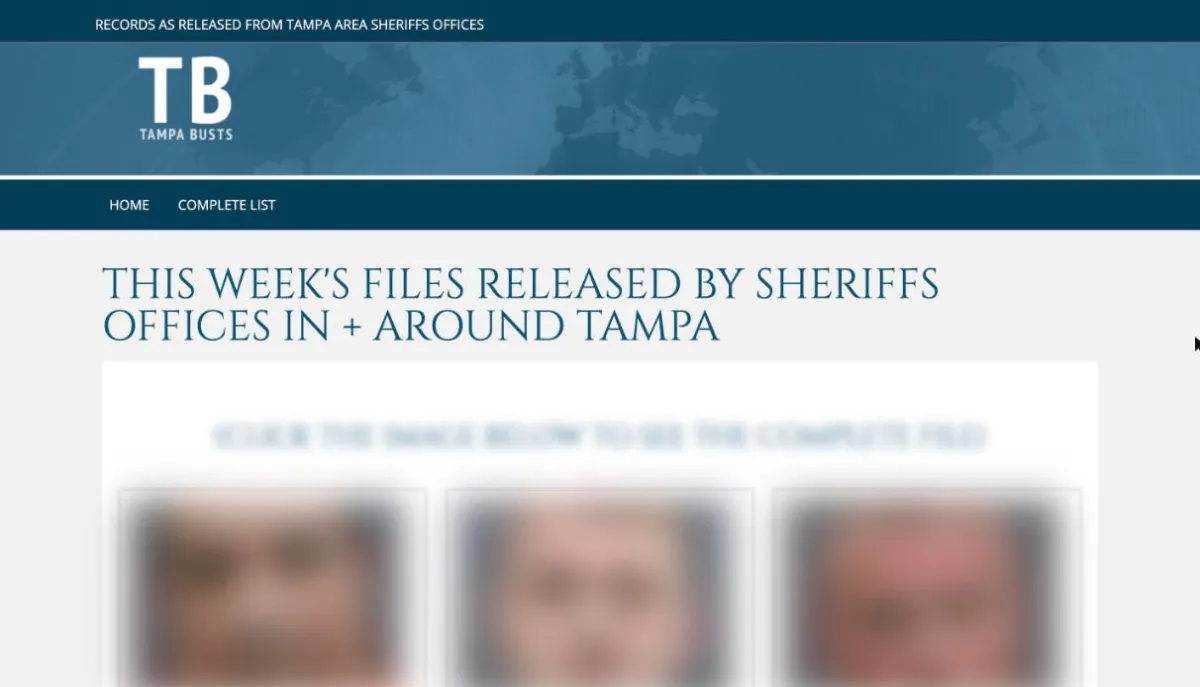
TampaBusts.com posts recent Tampa Bay-area arrest reports – names, report dates and charges, with links to the full file. It has no removal page, says it does not update records, and lists a single contact email. Florida’s mugshot law is your strongest tool.
Quick facts
| Removal method | Email – no removal page or policy |
|---|---|
| carymccormick1@outlook.com (listed on the homepage) | |
| Record updates | The site says it does not update records and points readers to the courthouse for case outcomes |
| Coverage | Tampa Bay area, Florida |
| State law | Florida – Fla. Stat. § 901.43 (no fees, removal within 10 days of a proper written request) |
How to request removal from TampaBusts
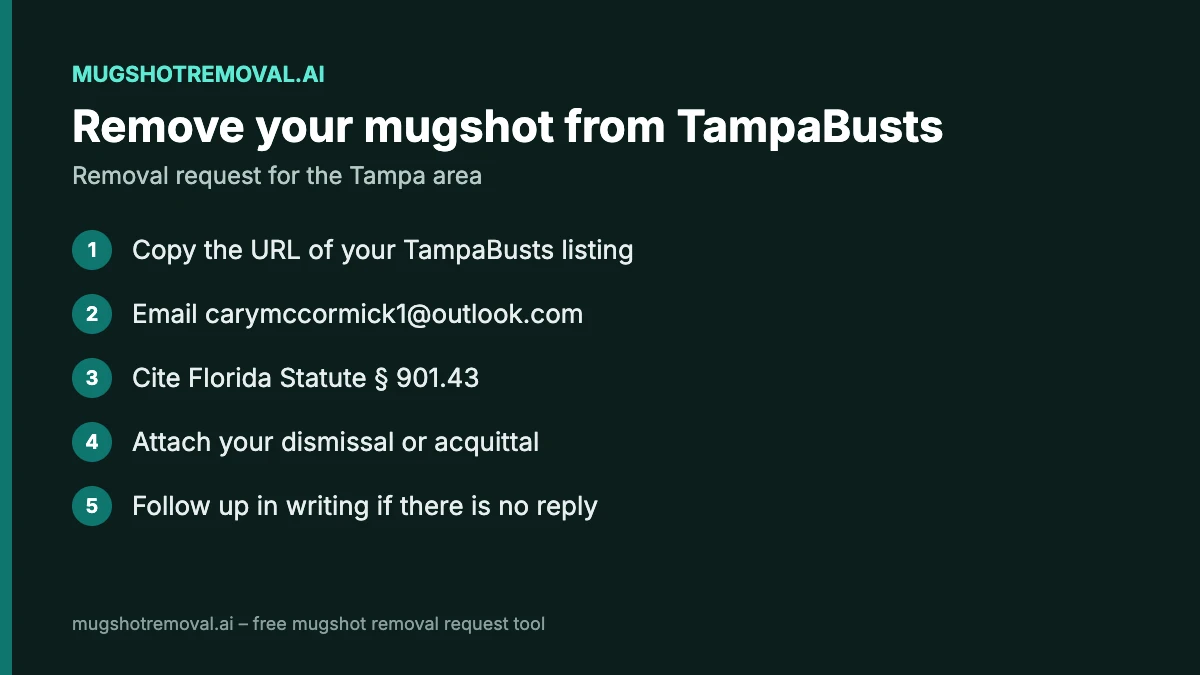
- Find your report on TampaBusts and copy its full URL.
- Email the address on the homepage with the details below.
- Attach your court paperwork showing the outcome of your case.
- Cite Fla. Stat. § 901.43 and ask for removal within 10 days.
- If there is no response, send a formal written request by the delivery method the statute requires and keep proof.
What to include in your request
- The URL of your report
- Your full name as it appears
- The report date
- The outcome of your case, with court documents
- A clear request to remove the report and photo
Florida law and TampaBusts
Florida’s mugshot law, Fla. Stat. § 901.43, bars anyone who publishes booking photos for commercial gain from soliciting or accepting a fee to remove them, and requires removal within 10 days of a proper written request. The statute sets out how the request must be delivered (for example, registered mail to the publisher’s registered agent), so a contact-form message alone may not trigger the deadline. If TampaBusts doesn’t act on your message, send a written request that cites § 901.43 by the method the statute requires and keep proof of delivery. See our Florida mugshot law guide.
TampaBusts removal tips
- The site says it is “not a criminal justice agency” and not required to seal records – Florida’s booking-photo law is a separate rule that applies to publishers.
- Because the site does not update records, ask for removal rather than a correction.
- Keep your email short and factual, and save a copy.
If TampaBusts won’t remove your mugshot
If the site ignores or refuses your request, use Florida’s law (see our Florida mugshot law page), consider whether you qualify for an expungement or record seal, and ask Google and Bing to drop results that are outdated or show personal information. Professional removal services can also help with sites that ignore individual requests.
Remove the result from Google and Bing
Taking the post down at TampaBusts is step one. Search engines can keep showing an old snippet or cached image for a while. Once the page is removed or changed, submit the URL to Google’s Refresh Outdated Content tool and Bing’s Content Removal tool. Then search your name again – the same booking photo is often copied to other sites. See our other site guides.
Frequently asked questions
Does TampaBusts charge to remove mugshots?
It does not publish a fee. Florida law bars commercial booking-photo publishers from soliciting or accepting a fee to remove a booking photo.
How do I contact TampaBusts?
By email, at the address listed on its homepage. There is no removal form.
Will TampaBusts update my record if my case was dismissed?
The site says it does not update records. Ask for removal instead and cite Fla. Stat. § 901.43.
Last reviewed November 2026. Website policies change; check TampaBusts’s current contact details before you send your request.