

Mugshots.com is one of the oldest and largest mugshot websites. It republishes booking photos and arrest information from law enforcement sources across the U.S. The good news: the site states it does not charge to remove or update records. The catch: it only removes records in specific situations, and it handles requests by email with documentation.

Quick facts
| Removal page | mugshots.com/record-maintenance (“Record Removals/Updates”) |
|---|---|
| Fee | Free – the site says it does not accept payment for removal |
| Method | Email with court documents, sent to the address listed for your request type |
| Eligible outcomes | Expungement, seal, “no information,” record restriction, identity theft, or death (per the site) |
| Typical timing | Up to about 10 business days, first come, first served (per the site) |
How to request removal from Mugshots.com
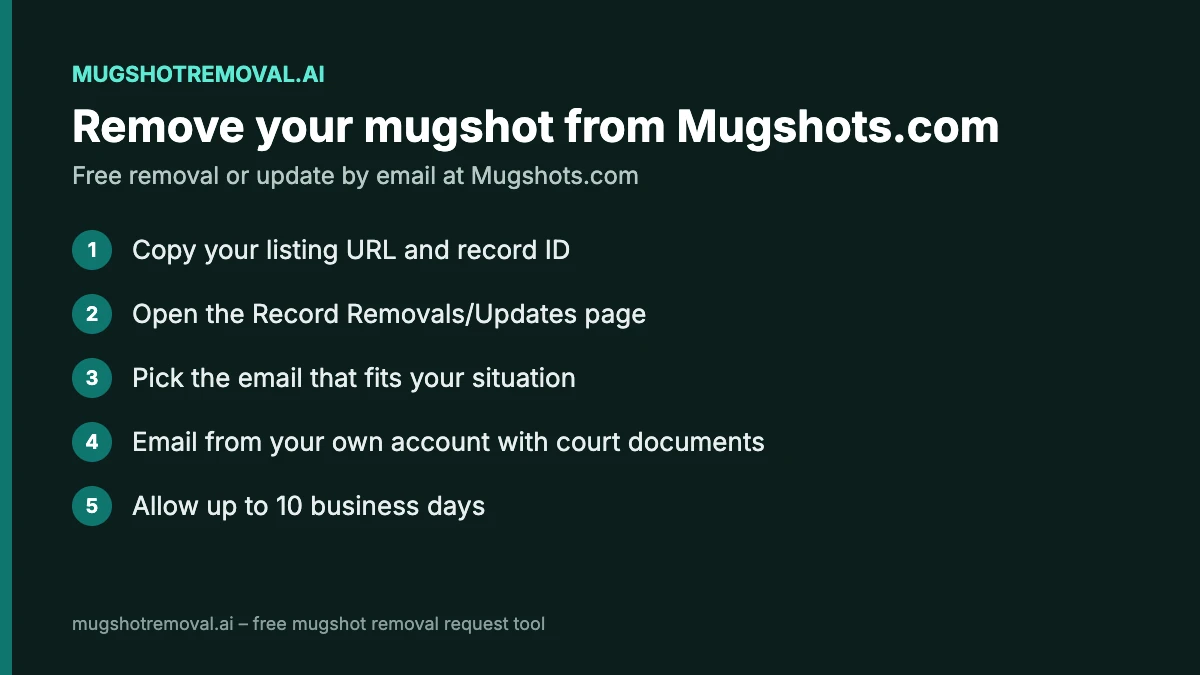
- Find your listing on Mugshots.com and copy the page URL and your Mugshots.com record ID.
- Open the Record Removals/Updates page linked at the top of the site.
- Pick the email address that matches your situation (for example expungement/seal, or death).
- Email from your own email account, include your record ID, and attach legible court documents signed by a judge and sealed by the court.
- Wait up to 10 business days, then check the page. If it is gone, submit the URL to Google and Bing’s outdated-content tools.
What to include in your request
- Your Mugshots.com record ID
- The exact listing URL
- Your full name as listed and the arrest date
- A legible, judge-signed and court-sealed copy of the expungement, seal, or other qualifying order
Mugshots.com removal tips
- Make sure your documents are fully legible – the site says illegible documents are discarded.
- A dismissal alone may not qualify. If your case was dismissed, ask the court whether you are eligible to expunge or seal it, then submit the order.
- Keep a copy of the email and the date you sent it.
If Mugshots.com won’t remove your mugshot
Mugshots.com describes itself as a news organization and relies on First Amendment protections, so it generally will not remove records that don’t meet its criteria. If you don’t qualify yet, look into expungement or sealing in your state, then resubmit. Meanwhile, you can still clean up copies of the photo on other sites.
Remove the result from Google and Bing
Taking the page down at Mugshots.com is step one. Search engines can keep showing an old snippet or cached image for a while. Once the page is removed or changed, submit the URL to Google’s Refresh Outdated Content tool and Bing’s Content Removal tool. Then search your name again – the same booking photo is often copied to other sites. See our other site guides.
Frequently asked questions
Does Mugshots.com charge to remove a mugshot?
No. The site states it does not charge for removing or updating records. Be cautious of third parties claiming they can remove a Mugshots.com listing for a fee “directly” through the site.
How long does Mugshots.com take to remove a mugshot?
The site says requests can take up to about 10 business days and are handled first come, first served.
Will Mugshots.com remove my mugshot if my charges were dropped?
The site lists expungement, seal, no information, record restriction, identity theft and death as removal grounds. If your charges were dropped, getting the record expunged or sealed gives you the strongest request.
Last reviewed November 2026. Website policies change; check Mugshots.com’s current removal page before you send your request. MugshotRemoval.ai is not affiliated with Mugshots.com.