

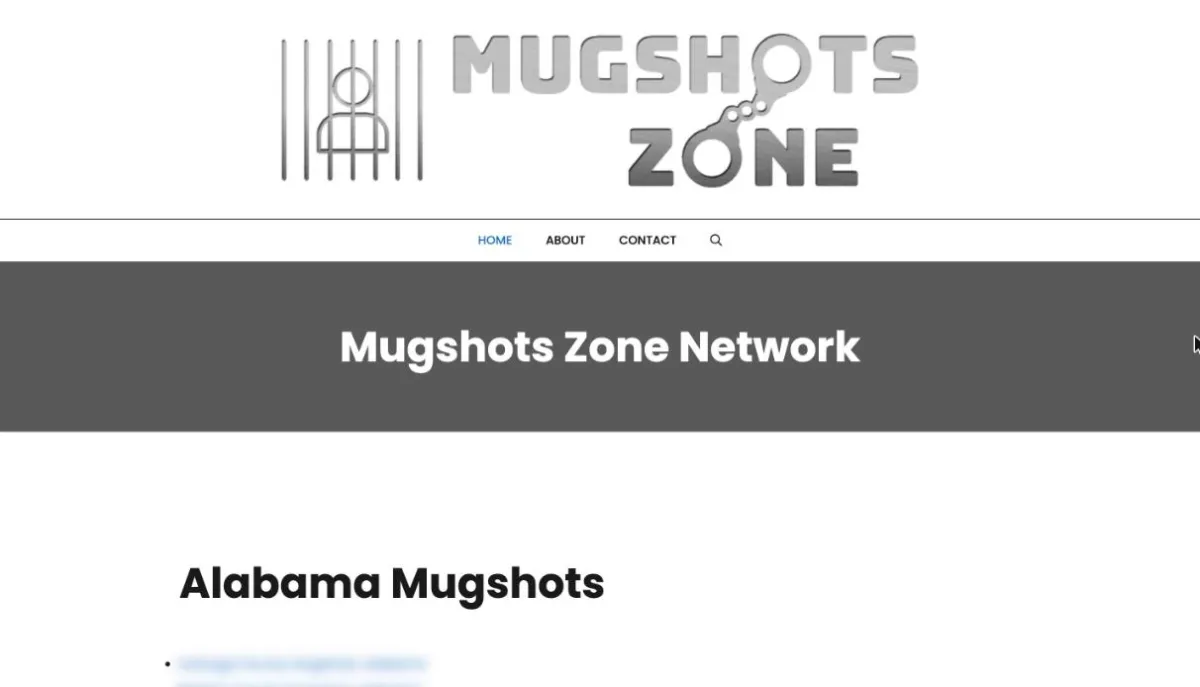
Mugshots.Zone publishes booking photos collected from jail rosters across many states. Its pages are frequently indexed for people’s names, so it often shows up in a name search right after an arrest.
Quick facts
| Removal method | Check the site’s contact or removal link at the bottom of the page |
|---|---|
| Formal policy | Not verified – policies change; check the site before you send |
| Best evidence | Dismissal, acquittal, expungement or seal order |
How to request removal from Mugshots.Zone
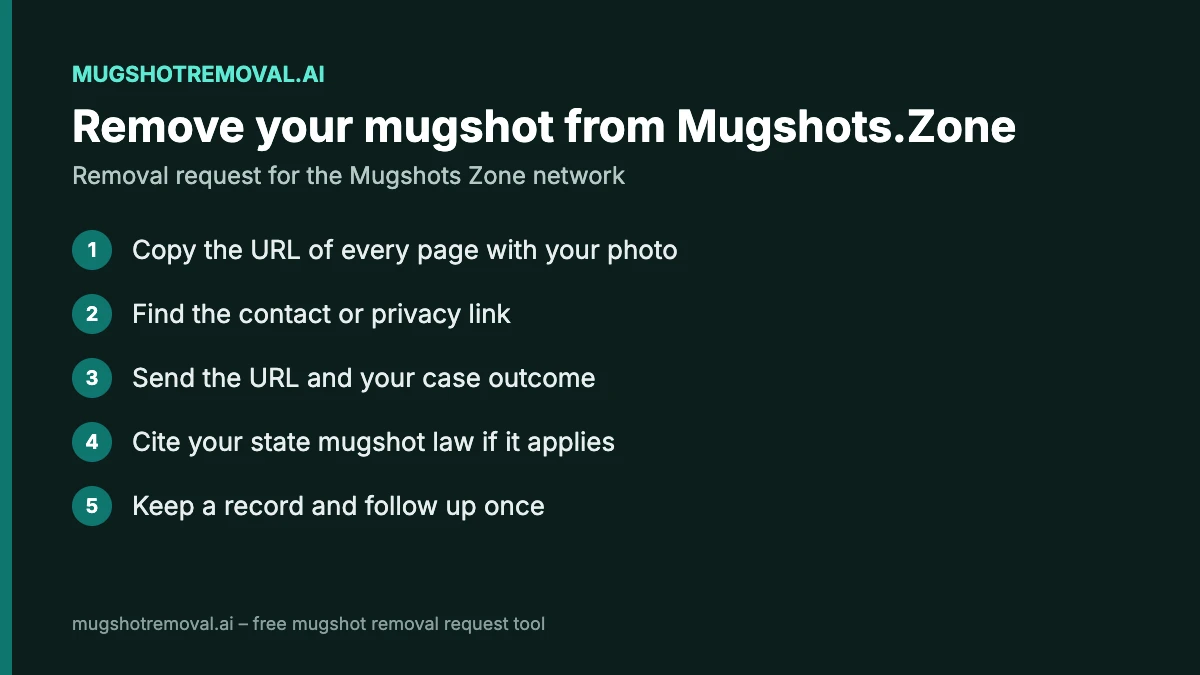
- Copy the URL of every Mugshots.Zone page showing your photo.
- Look for a removal, contact or privacy link in the site’s footer or on your listing page.
- Send a short, factual request with the URL, the outcome of your case and your court documents.
- Cite your state’s mugshot law if one applies.
- Keep a record of when you sent it and follow up once.
What to include in your request
- The exact URL of the page showing your booking photo
- Your full name exactly as it appears on the listing
- The arrest date, county and state
- The outcome of your case (dismissed, not guilty, expunged, sealed, etc.)
- A legible copy of your court paperwork, if you have it
Mugshots.Zone removal tips
- Use our free tool to draft the request – it looks up the site’s current removal contact for you.
- Mugshots.Zone listings are often copied to other sites – search your name again after removal.
If Mugshots.Zone won’t remove your mugshot
If the site ignores or refuses your request, check whether your state has a mugshot law that applies (see mugshot laws by state), consider whether you qualify for an expungement or record seal, and ask Google and Bing to drop results that are outdated or show personal information. Professional removal services can also help with sites that ignore individual requests.
Remove the result from Google and Bing
Taking the page down at Mugshots.Zone is step one. Search engines can keep showing an old snippet or cached image for a while. Once the page is removed or changed, submit the URL to Google’s Refresh Outdated Content tool and Bing’s Content Removal tool. Then search your name again – the same booking photo is often copied to other sites. See our other site guides.
Frequently asked questions
How do I remove my mugshot from Mugshots.Zone?
Find the site’s current removal or contact link, then send a request with the listing URL, case outcome and court documents.
Does Mugshots.Zone charge for removal?
We haven’t verified a current fee policy. If you’re asked to pay, check whether your state bans removal fees before you do.
Will Google still show my Mugshots.Zone page after it’s removed?
Possibly for a short time. Submit the URL to Google’s Refresh Outdated Content tool once the page is gone.
Last reviewed November 2026. Website policies change; check Mugshots.Zone’s current removal page before you send your request. MugshotRemoval.ai is not affiliated with Mugshots.Zone.