

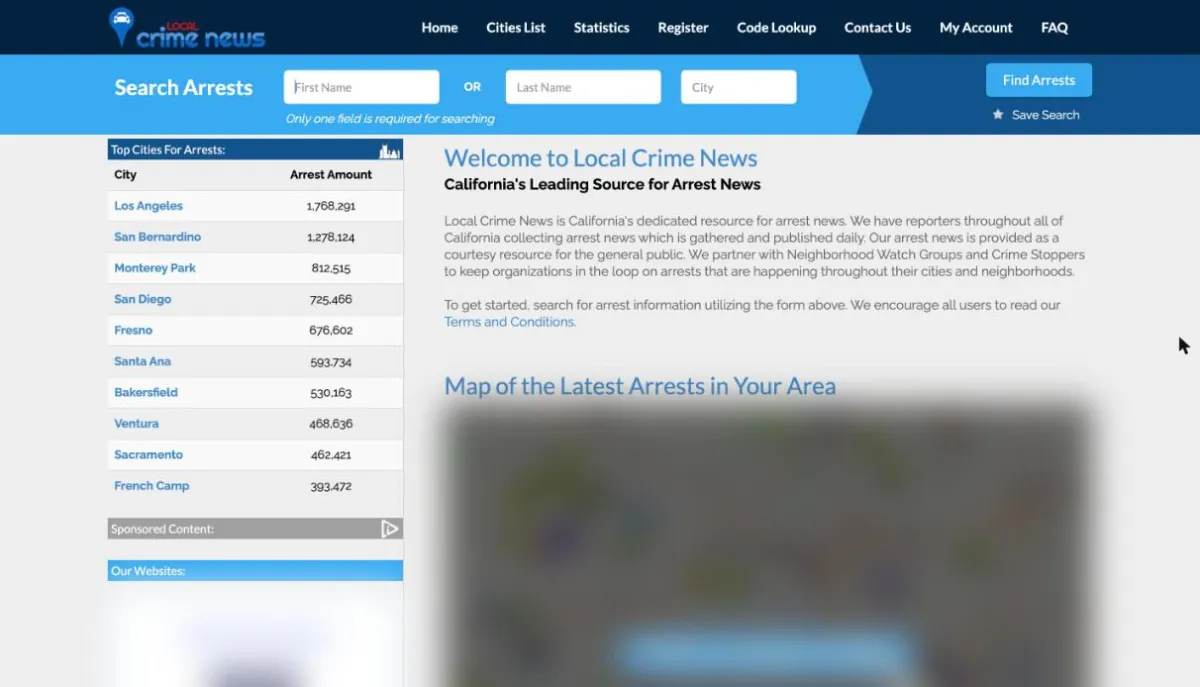
LocalCrimeNews.com (“Local Crime News”) publishes daily arrest news and searchable arrest records for cities across California. It is run by United Reporting Corporation, a private publisher, not a police department or court. The good news: the site has a free, self-serve “Unpublish Record” option on each arrest page.
Quick facts
| Removal method | Red “Unpublish Record” button at the bottom of your arrest detail page |
|---|---|
| Verification | Your date of birth |
| Fee | None mentioned in the site’s FAQ |
| Contact | info@unitedreporting.com, or the site’s Contact Us page |
| Coverage | California cities and arrest logs |
| Operator | United Reporting Corporation (Roseville, CA) |
How to remove your arrest record from Local Crime News
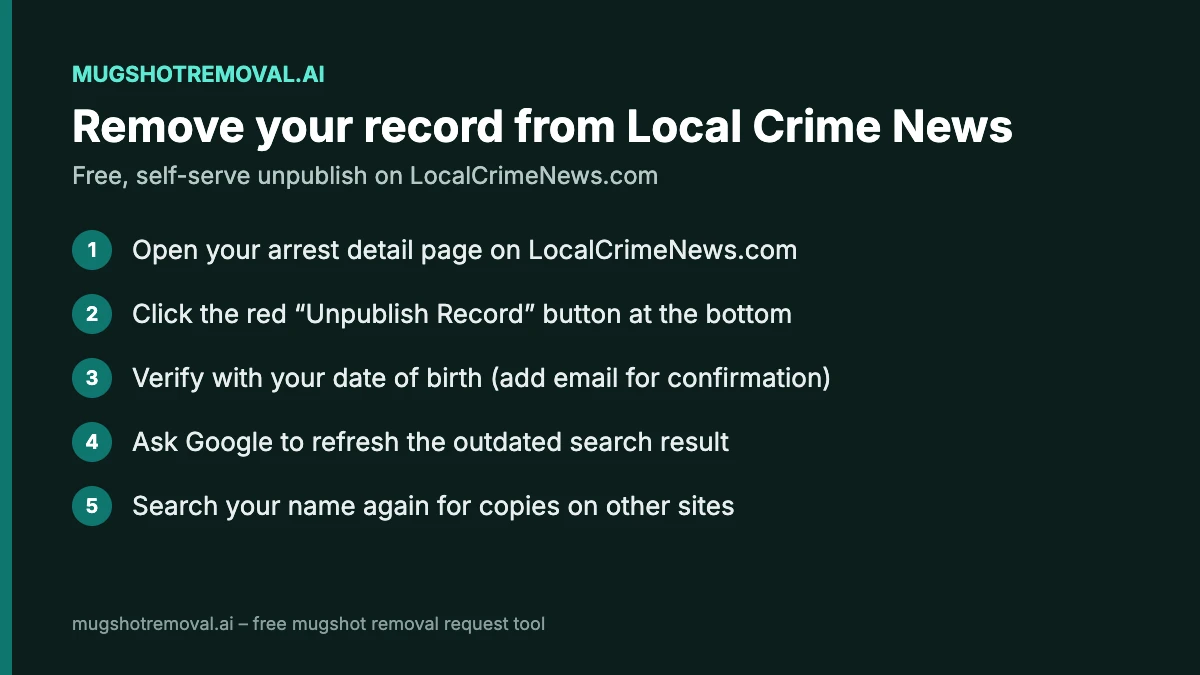
- Find your listing. Search your name or browse your city on LocalCrimeNews.com and open your arrest detail page. Copy the page URL for your records.
- Scroll to the bottom of the arrest detail page and click the red Unpublish Record button.
- Enter your date of birth so the site can verify the record is yours.
- Add your email address if you want a confirmation email.
- Submit, then reload the page later to confirm the record no longer shows.
- If the button is missing or the request fails, email info@unitedreporting.com with the page URL, your full name as listed, the arrest date and city, and ask that the record be unpublished.
- Never pay to have the listing removed. California law prohibits charging for booking photo removal (see below).
What to have ready
- The exact URL of your Local Crime News arrest page
- Your full name exactly as it appears on the listing
- Your date of birth (used for verification)
- An email address for the confirmation
- The outcome of your case and a copy of your court paperwork, in case you need to follow up by email
Local Crime News removal tips
- California Civil Code § 1798.91.1 makes it unlawful to require or accept payment to remove, correct or stop publishing a booking photo. Read our California mugshot law guide.
- United Reporting runs related arrest sites, such as CACrimeNews.com and GetArrestLogs.com. Search for your name on those too, since the same arrest may appear there.
- Unpublishing only affects Local Crime News. Your arrest record with the police department or court stays the same. If your case was dismissed, consider whether you qualify to have the record sealed. See removing a mugshot after expungement.
- Keep a screenshot of the listing and your confirmation email in case the record reappears.
If the record will not come down
If the unpublish button does not work and email gets no reply, follow up in writing and cite California Civil Code § 1798.91.1 if anyone asks you to pay. You can also ask Google and Bing to drop results that are outdated. Professional removal services such as Remove-Arrests.org can help when a site does not respond to individual requests. You can see all of your options in our mugshot laws by state guide.
Remove the result from Google and Bing
Unpublishing the page at Local Crime News is step one. Search engines can keep showing an old title, snippet or cached copy for a while. Once the record is unpublished, submit the URL to Google’s Refresh Outdated Content tool and Bing’s Content Removal tool. Then search your name again. Arrest listings are often copied to other sites. See our other site guides or run a free mugshot scan.
Frequently asked questions
How do I remove my mugshot from Local Crime News?
Open your arrest detail page on LocalCrimeNews.com, click the red “Unpublish Record” button at the bottom, and verify your identity with your date of birth. You can add an email address to get a confirmation.
Does Local Crime News charge to remove an arrest record?
The site’s FAQ does not mention a fee for unpublishing. California law (Cal. Civ. Code § 1798.91.1) makes it unlawful to require or accept payment to remove a booking photo, so do not pay anyone who asks.
Do I need court documents to unpublish my Local Crime News record?
The site only asks for your date of birth to verify the request. Keep your court paperwork handy anyway in case you need to contact the site or ask a search engine to drop an outdated result.
How long does it take for my Local Crime News record to disappear from Google?
The site does not give a timeline. Google can keep showing a cached result for a few days or longer after the page changes, so submit the URL to Google’s Refresh Outdated Content tool once the record is unpublished.
Is Local Crime News an official police or court website?
No. LocalCrimeNews.com is a private site run by United Reporting Corporation that republishes California arrest information. Unpublishing it there does not change any police or court record.
Will unpublishing remove my arrest from other websites?
No. Each site is separate. Search your name with “arrest” and “mugshot” to find copies, or run our free mugshot scan.