
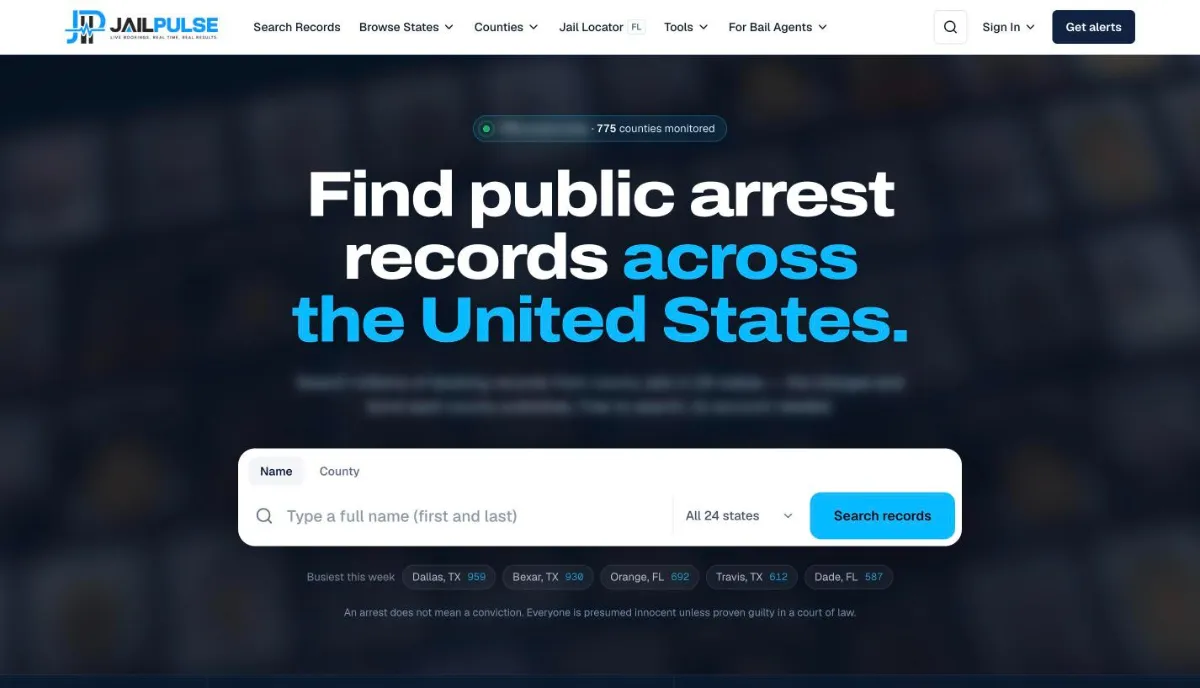
JailPulse.com publishes booking records from county jails in about two dozen states, with the charges and bond each county releases. It offers a free, multi-step removal and correction request, and a person reviews each one.
Quick facts
| Removal method | Online request at jailpulse.com/record-removal |
|---|---|
| Request types | Remove booking photo, correct information, update case outcome, sealed or expunged record |
| Fee | Free in every state |
| Contact | support@jailpulse.com |
| Response time | Usually within 10 days |
| Coverage | County jails in about 24 states, heavily Florida and the Southeast |
How to remove your mugshot from JailPulse
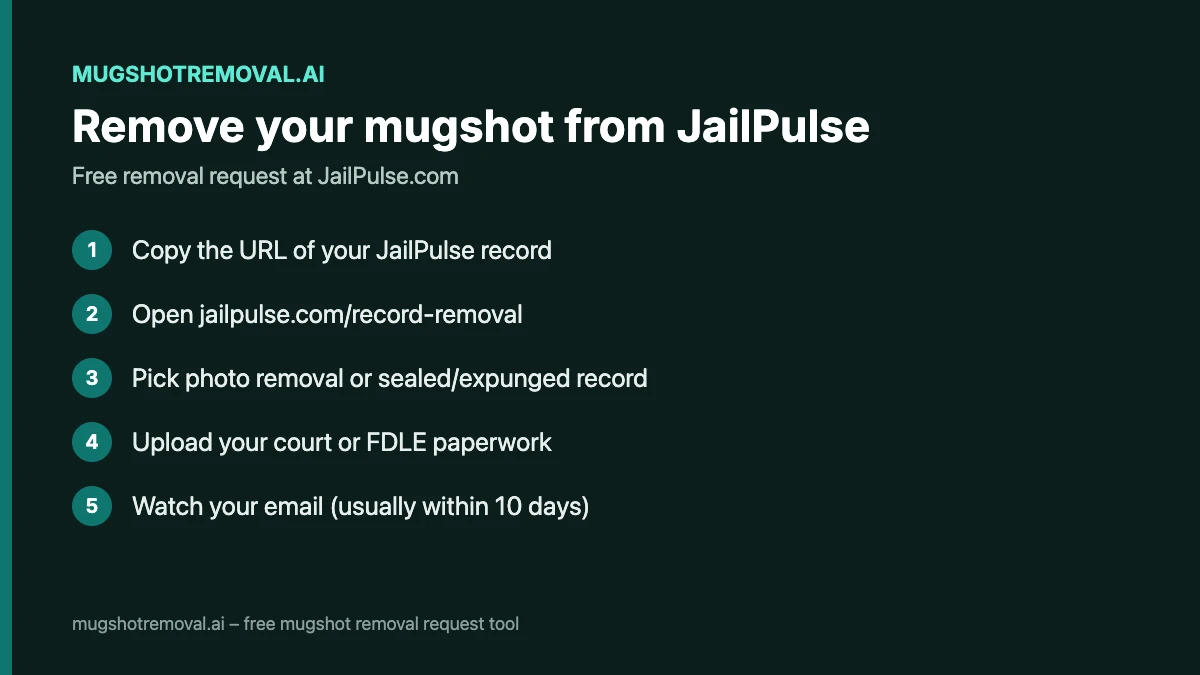
- Find your record on JailPulse and copy its URL.
- Go to jailpulse.com/record-removal and choose what you need: remove the booking photo, correct information, update a case outcome, or remove a sealed or expunged record.
- Find your record in the form and enter your details.
- Upload your court paperwork: a dismissal, not-guilty finding, or the court or FDLE order for a sealed or expunged record.
- Submit and watch your email. JailPulse says a person reviews every request and usually replies within 10 days.
- For a Florida record, you can also send a written request by registered mail under Fla. Stat. § 901.43. Include your name, a copy of a photo ID showing you are the person pictured, and the record link or your name, county and booking date. Never send your Social Security number.
Choosing “Remove my booking photo” takes the mugshot down but leaves the arrest record listed. If your case was sealed or expunged, pick that option instead so the whole record can come down.
What to include in your request
- The exact URL of the page showing your booking photo
- Your full name exactly as it appears on the listing
- The arrest date, county and state
- The outcome of your case (dismissed, not guilty, expunged, sealed, etc.)
- A legible copy of your court paperwork, if you have it
JailPulse removal tips
- Florida Statute § 901.43 bars commercial publishers from soliciting or accepting a fee to remove a booking photo and requires removal within 10 days of a proper written request (the statute says how it must be sent, such as registered mail). Read our Florida mugshot law guide.
- JailPulse says it never asks for your Social Security number and deletes your ID once it closes the request.
- If your case ended in a dismissal or acquittal, submit an outcome update even if the photo comes down, so any remaining record shows the result.
If JailPulse will not remove it
Follow up in writing and keep proof of every request. Cite your state’s mugshot law if it applies (see our mugshot laws by state), consider whether you qualify for an expungement or record seal (see removing a mugshot after expungement), and ask Google and Bing to drop outdated results. Professional removal services such as Remove-Arrests.org can help when a site ignores individual requests.
Remove the result from Google and Bing
Getting the post taken down at JailPulse.com is step one. Search engines can keep showing an old snippet or cached image for a while. Once the page is removed or changed, submit the URL to Google’s Refresh Outdated Content tool and Bing’s Content Removal tool. Then search your name again. The same booking photo is often copied to other sites, so see our other site guides or run a free mugshot scan.
Frequently asked questions
How do I remove my mugshot from JailPulse?
Submit a free request at jailpulse.com/record-removal, choose “Remove my booking photo” or “Sealed or expunged record,” and attach your court documents.
Does JailPulse charge for removal?
No. JailPulse says removal and correction requests are free in every state.
How long does JailPulse take?
JailPulse says it usually replies within 10 days after a person reviews the request.
Will JailPulse remove the whole arrest record?
Removing the booking photo leaves the arrest record up. Sealed or expunged records can be removed entirely with the court or FDLE order.